make preferable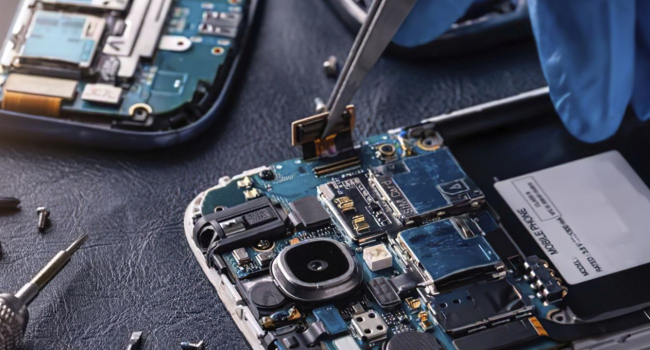
Before selling or repairing a smartphone, it’s crucial to safeguard your personal information to prevent data leaks. Photos, messages, passwords, and other data can be recovered by a new owner or an unscrupulous technician if precautions aren’t taken. Here are some recommendations to secure your data.
Clearing Memory Before Selling
Simply resetting a smartphone to factory settings is not enough to completely erase data. Cybersecurity experts recommend using specialized software for deep memory cleaning, which overwrites data to make recovery impossible. Applications like iShredder or Secure Eraser are available for most smartphones and effectively wipe content.
If your device has a memory card, remove it or format it separately. Even after a factory reset, data on the card may remain accessible, so don’t forget to check and clear external storage.
What to Do if the Smartphone is Broken?
If the device is malfunctioning and data cannot be erased, protecting information is more challenging. In such cases, consider the following:
- Change passwords. From another device, update passwords for all critical accounts—email, social media, banking apps, and cloud services like iCloud or Google Drive.
- Remove accounts. If the smartphone is linked to an Apple ID or Google account, sign out through the web interface or another device. This prevents access to your data via the cloud.
For minor repairs, such as replacing a speaker or screen, arrange with the technician to perform the repair in your presence. This minimizes the risk of unauthorized data access. If the repair takes longer, inquire about the measures the service center takes to protect your information.
Additional Precautions
Many users install numerous apps on their smartphones, often unaware of the data these apps collect. Studies show that over a quarter of people download apps indiscriminately, increasing the risk of data leaks. Before selling or repairing:
- Check installed apps. Delete unnecessary programs, especially those with access to personal information like contacts, photos, or geolocation.
- Disable synchronization. Ensure cloud services (Google Photos, Dropbox, iCloud) are turned off to prevent automatic data uploads after a reset.
- Encrypt data. If your smartphone supports encryption, enable this feature before selling. Even if data remains on the device, it will be difficult to extract without the password.
Tips for Repairs
When handing over a smartphone to a repair service:
- Verify the service’s reputation. Choose trusted repair shops with good reviews.
- Remove the screen lock if necessary for the repair, but do not share passwords for your accounts.
- Back up data in advance and delete it from the device if possible.