make preferable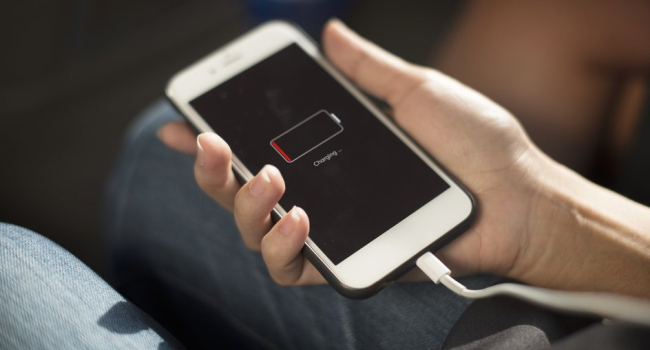
Frequent charging of smartphones and laptops to 100% accelerates battery wear, experts at the Cps-Ural service center warn in an interview with UfaTime.ru. Lithium-ion and lithium-polymer batteries used in modern devices are sensitive to extreme charge levels, and improper usage can significantly shorten their lifespan.
How Does This Work?
- Critical Charge Zones
- Battery degradation is highest when charged above 80–90% or discharged below 20%.
- Constant fluctuations between these extremes accelerate chemical reactions, reducing battery capacity.
- Voltage Stress at 100%
- When a device remains plugged in after reaching 100%, the battery is held at high voltage.
- This stresses the battery chemically and reduces the number of charge cycles (typically 300–500 full cycles).
- Overheating
- Using a device during charging (e.g., gaming or streaming) increases its temperature.
- Heat is one of the main drivers of battery degradation.
"A full charge is stressful for the battery — especially if the device stays plugged in," Cps-Ural experts explain.
How to Extend Battery Life
Experts recommend following these rules:
- Keep the Charge Between 20–80%
- Avoid charging to 100% or letting the battery drain below 20%.
- This reduces chemical stress.
- For example, plug in your phone at 30% and unplug it at 80%.
- Use Smart Charging Features
Many modern devices include built-in battery optimization tools:
- Apple: On iPhones (iOS 13+), “Optimized Battery Charging” delays charging past 80% until needed
(Settings → Battery → Battery Health & Charging). - Samsung: One UI includes a charge limit mode that caps charging at 85%
(Settings → Battery → Battery Protection). - Xiaomi: Offers a “Battery Optimization” feature in MIUI.
- Laptops (Lenovo, Dell, Asus): Often allow you to cap charging at 60–80% via BIOS or proprietary apps.
- Avoid Overheating
- Don’t use your phone for heavy tasks (e.g., games, streaming) while charging.
- Remove the case during charging to improve heat dissipation.
- Charge in a cool place, away from sunlight.
- Use Quality Chargers
- Use original or certified adapters (MFi for Apple, USB-IF for Android) to avoid voltage spikes.
- Fast charging (65W+) is safe if supported by your device, but it can increase heat.
- Partial Charging Is Better
- Short top-ups throughout the day (e.g., 20% at a time) are gentler than a full charge from 0 to 100%.
Battery Facts
- Charge Cycles: Lithium-ion batteries typically last 300–500 full cycles (0 to 100%).
Staying between 20–80% extends this, sometimes over multiple days per cycle. - Capacity Loss: Even with good care, batteries lose 15–20% capacity after 2–3 years.
Charging to 100% accelerates this loss. - Ideal Temperature: Batteries last longest at 15–25°C.
At 40°C, degradation doubles.
When to Replace the Battery
If your phone loses charge faster or shuts off around 20–30%, it’s likely worn out. Check battery health:
- iPhone: Go to Settings → Battery → Battery Health & Charging
(Consider replacement below 80% health) - Android: Use apps like AccuBattery, or diagnostic codes like ##4636## on some models.
Battery replacement at a service center costs $20–100 and can restore your phone’s battery life.