make preferable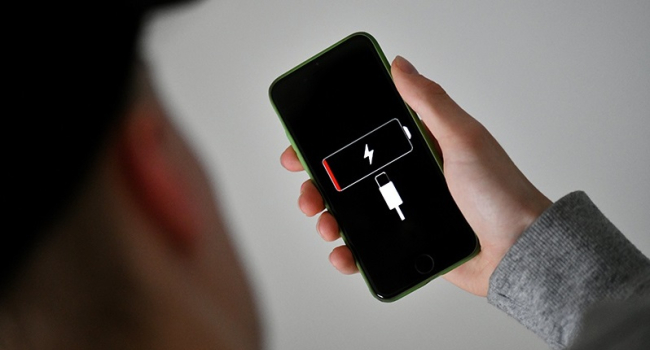
Many users notice their smartphone battery depleting quickly, even with minimal active use. According to iXBT Live, the biggest culprits behind battery drain are messaging apps, social media, navigation apps, streaming services, cloud storage, and games.
How Do Apps Consume Battery Life?
Messaging Apps and Social Media
Even in the background, these apps continuously refresh feeds and sync messages, eating away at your battery. To reduce their impact:
- Disable automatic data loading.
- Limit notifications to only essential chats.
Mapping Services
Apps with geolocation features, like Google Maps and Yandex Maps, may keep tracking your location even when minimized. The fix: turn off geolocation when it’s not needed.
Streaming Services
Apps for video and music streaming (e.g., YouTube, Spotify, Netflix) download data in the background, even when playback is paused. To prevent this:
- Turn off background data loading.
- Manually stop playback when it’s not in use.
Cloud Storage
Services like Google Drive, iCloud, and Yandex Disk constantly sync files, impacting battery life. Disabling automatic syncing can extend your device’s runtime.
Games
Resource-heavy games drain the battery not just during playtime but afterward, too, due to background processes and notifications. To mitigate this:
- Fully close the app after gaming.
- Disable unnecessary game notifications.
How to Extend Your Smartphone’s Battery Life?
Optimizing app background activity is key to boosting battery endurance. Follow these simple tips:
- Monitor and restrict app permissions.
- Disable auto-loading and geolocation where they’re unnecessary.
- Activate power-saving mode.
These steps will help conserve battery power and keep your smartphone running longer without a recharge.