make preferable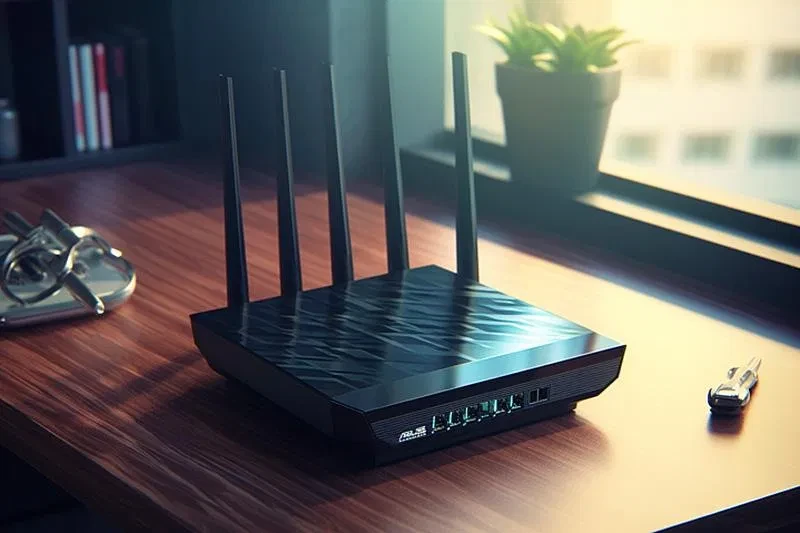
Today, home Wi‑Fi connects smartphones and computers, TVs, cameras, game consoles, speakers, and household appliances into a single network. That is why a poorly secured router can become a convenient entry point for cybercriminals. And an attack does not always require sophisticated hacking: sometimes outdated equipment, a weak password, or an enabled feature that the owner does not even use is enough.
How an attack begins
One of the first things attackers look at is the Wi‑Fi password. If it is too simple or contains the owner’s name, address, or other easy-to-guess information, it becomes easier for an attacker to gain access to the network. But there is another important password as well — the administrator password. Through the router’s control panel, network settings can be changed, including the Wi‑Fi password itself. So if an outsider gains access to the administrator account, they could potentially take control of the entire network.
Outdated equipment is another problem. Modern routers should use WPA3 Personal or, if that is not possible, WPA2 Personal. Older security standards such as WEP no longer provide an adequate level of protection. If a router does not support modern protocols even after a software update, it is better to replace it.
Updates in general play an important role: a router, like a computer, may have vulnerabilities that the manufacturer fixes in new firmware versions. That is why it is worth checking regularly for updates or making sure that your internet provider installs them automatically.
Do not leave doors open for the sake of convenience
Some router features make it easier to connect devices, but at the same time they can reduce the level of protection. If you do not need to manage your router remotely over the internet, it is better to disable that feature. The same goes for WPS and UPnP: if you do not use them, there is little point in keeping them enabled all the time.
A separate guest network is another simple way to reduce risks. Guests will not need to be told the main password, and a potentially infected smartphone or laptop will be placed in a separate network environment isolated from your main devices.
At the same time, it is not only the router itself that needs protection. Cameras, TVs, voice assistants, and other connected devices may also have vulnerabilities. Such devices should be updated and their factory-default passwords should be changed.
Finally, it is worth checking whether the router’s built-in firewall is enabled. It does not replace other security measures, but it creates an additional barrier against unwanted connections.
In essence, basic home Wi‑Fi protection comes down to a few simple rules: use WPA3 or WPA2, set unique passwords for Wi‑Fi and the administrative panel, update the router and connected devices regularly, disable unnecessary remote access features, and create a separate network for guests.
Most of these steps take only a few minutes, but settings like these often determine whether a home network will be an easy target or an additional obstacle for an attacker.